



We’ve had Hermes Agent running on one of our own dedicated VPS servers in Amsterdam for a few weeks now, mostly as an internal experiment that turned into an actual product. So instead of another “here’s what AI agents can theoretically do” post, this one is closer to a field report – real commands, real setup steps, and the things that actually turned out to be useful once we stopped tinkering and started using it.
Quick background for anyone who hasn’t run into it yet: Hermes Agent is Nous Research’s open-source, self-hosted agent. Not a model – an actual agent application, with its own CLI, memory, and a “skills” system, that you point at whichever model you want underneath (their own Hermes models, Claude, GPT, whatever you’ve got API access to). That distinction trips people up constantly, so it’s worth getting straight before anything else.
Getting Hermes Agent running
The install is a single line:
root@localhost:~$ curl -fsSL https://hermes-agent.nousresearch.com/install.sh | bashThat pulls down Python, Node, ripgrep, ffmpeg, and everything else it needs, and drops the whole thing into ~/.hermes/hermes-agent.
Once it’s done, reload your shell and run hermes –tui to open the terminal interface. First thing it asks is which model to use – we pointed ours at a hosted Hermes model through Nous Portal for the general agent work, though you can just as easily wire in Claude or ChatGPT if that’s what you’re already paying for.
If you’d rather keep it boxed off from the rest of the server, there’s a Docker path too:
root@localhost:~$ mkdir -p ~/.hermesand then run:
root@localhost:~$ docker run -it --rm -v ~/.hermes:/opt/data nousresearch/hermes-agent setupThat -v ~/.hermes:/opt/data bit matters as it’s the only place Hermes keeps its state (config, memory, skills, logs), so mapping it to a folder on the host means a container restart doesn’t wipe anything.
What we actually use Hermes Agent for
Log screening – You can point Hermes agent at a log file and ask it directly: “summarize the last 200 lines of /var/log/nginx/error.log” . It will read the contents of the file and give you a summary of what happened, not a wall of raw lines.
Skills instead of one-off scripts – Skills are just instruction files that teach the agent how to do a specific job: deploy something, generate a report, run a specific check. You can browse what’s already out there, search by keyword, and install a skill straight from the hub, for example: hermes skills search kubernetes
Talking to it from somewhere other than a terminal. Hermes gateway setup walks you through connecting Telegram, Slack, Discord, or a handful of others. This is useful if you want people to be able to use without having to ssh on a server!
It remembers things. You can show Hermes agent how to fix something once and it holds onto that. For example, you can ask it to restart mysql service after as specific failure. You can ask it again weeks later, and it already knows the context, instead of starting from scratch like a normal chatbot would.
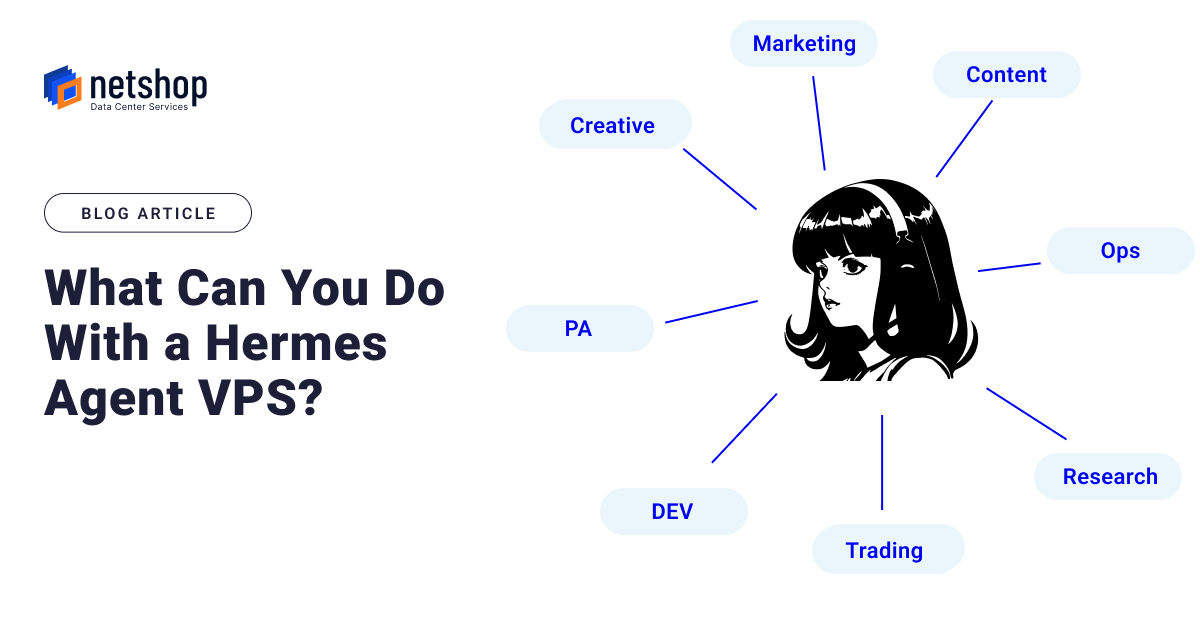
Hermes Agent Use Cases
Here are some use cases of Hermes Agent shared by people, showing the different ways it’s changed how they work.
Personal Assistant
“every weekday at 9am, summarize my inbox and post to Slack,” and it creates the schedule. No config files. No cron syntax.” Read more >
Content Creation
“I use Hermes to generate tweet threads from my past YouTube scripts, then start a brand new session and watch it recall everything without me re-uploading a single file.” Read more >
Security
“I’ve put together a skill to protect against some of the common LLM / AI threats and some of my recommended security policies that are being used to good effect on other AI agent tools.” Read more >
Why run Hermes Agent on a VPS instead of a laptop
A dedicated VPS keeps the agent, its memory, and its skills available whenever you need them, reachable over Telegram or SSH from anywhere, without occupying your own machine or losing state every time you close a session.
It’s also just easier to give a whole team access to one shared agent running on shared infrastructure than to have everyone running their own local copy with no shared memory between them.
Get Hermes Agent on a VPS in just One Click
NetShop’s newly launched Hermes Agent VPS product brings the popular AI agent to you in just one click. No need to have linux or server adminstration experience. Just pick a plan through the Hermes Agent VPS page and it’s ready to go, pre-configured and reachable from wherever you work.